Choose an area. See the record that stays with it.
Example projectCedar Campus · EX-041
Field recordDraft
Administration /
East corridor
Observation
Brown floor tile at the east corridor threshold.
A02
Sample IDEX-A02
Brown floor tile
Amount
120 sq ft
Category
MISC
Location
East corridor
Field recordDraft
Administration /
Reception
Observation
White troweled ceiling in the reception area.
A01
Sample IDEX-A01
White troweled ceiling
Amount
48 sq ft
Category
SM
Location
Reception
Site image
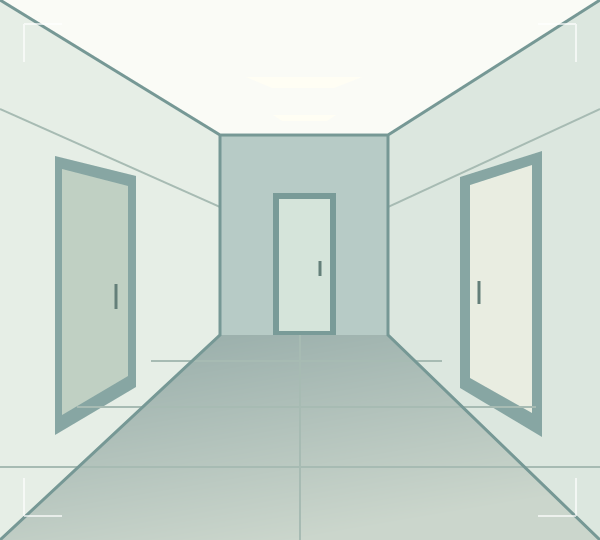
Capture the site context.Camera or image upload.Illustration · project-level image
Illustrative field record. Area selection explains the example; it
is not a live mapping tool.
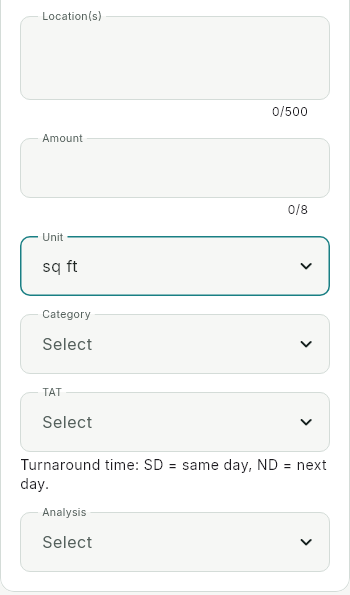
See the current sample-entry interface
+
Actual Almic interface crop. The populated example above
explains the field record; it does not reproduce the current
screen.
Prepared for the visit
Signal drops. Your draft stays.
Prepare online. Keep working in downloaded drafts. Reconnect to
synchronize.
Onsite
EX-041 / EX-A02
✓Saved on this device
Waiting to sync
→
Back in connectionReconnect. Verify sync.
Local save is not confirmed delivery.
Load the app and required drafts online on the device you’ll use.
First sign-in and uploads need a connection. Supported devices and
field workflows are confirmed during setup.